Suppose a program converts input to an integer. Even when conversion fails, its final cleanup message still appears. But if you put the calculation that should run only on success in finally, it may try to use a value that was never converted. try, except, else, and finally each have a different condition for running. Two inputs make those paths easier to see.
try and except separate success from failure
A successful conversion prepares 24 in else; a ValueError prepares None in except. In both cases, finally runs before the function actually returns.
Put the conversion that might fail in try, and handle the expected exception in except. The string '12' converts to an integer; 'twelve' raises ValueError.
def parse_count(raw):
    try:
        count = int(raw)
    except ValueError:
        print('Please enter a number')
        return None
    else:
        return count * 2
    finally:
        print('Input check complete')

print(parse_count('12'))
print(parse_count('twelve'))
The first call prepares 24 in else, runs finally, and then prints 24. The second prints the error message and prepares to return None, but finally runs before that return. You see Input check complete for both calls. Running finally does not turn a failed conversion into a successful one.
When do else and finally belong?
else runs only if the try block completes without an exception. Keeping follow-up calculations there helps distinguish an error in conversion from an error in later work. finally holds cleanup that must run as control leaves the success or error path.
Cleanup code can itself raise an exception. A new return in finally can also hide the original exception or return value. Keep calculations that determine the result out of finally, and use it only for necessary cleanup. If the purpose is to close a file or connection, consider whether a with statement is clearer.
How can you check a failure path?
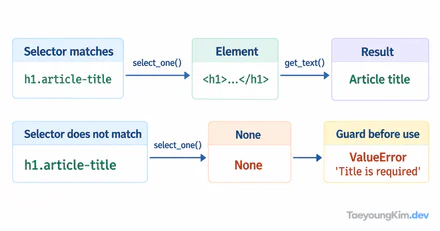
Run one valid and one invalid input, then compare the output order. Here, except ValueError handles invalid integer conversion. It does not silently swallow a TypeError raised elsewhere. A broad except Exception can make an unrelated bug look like bad user input, so decide which errors the caller can actually correct.
If None represents failure, check for it explicitly at the call site. if not result would also treat a valid result of 0 as false. When logging errors, check that the input contains no passwords or personal information. Handling an exception and handling sensitive data are separate decisions.
Key takeaways
Use try for code that may fail, except for expected errors, else for work that follows a successful try, and finally for cleanup shared by both paths. When the order is unclear, pass one valid and one invalid value through the same function and compare its messages and return values.